
Light on its feet.Big on screen.
Bring your content together.Get it onto the room’s screens.

Ask your host to display a guest code.

How it works
Three steps, and the room is yours.
Set up a display
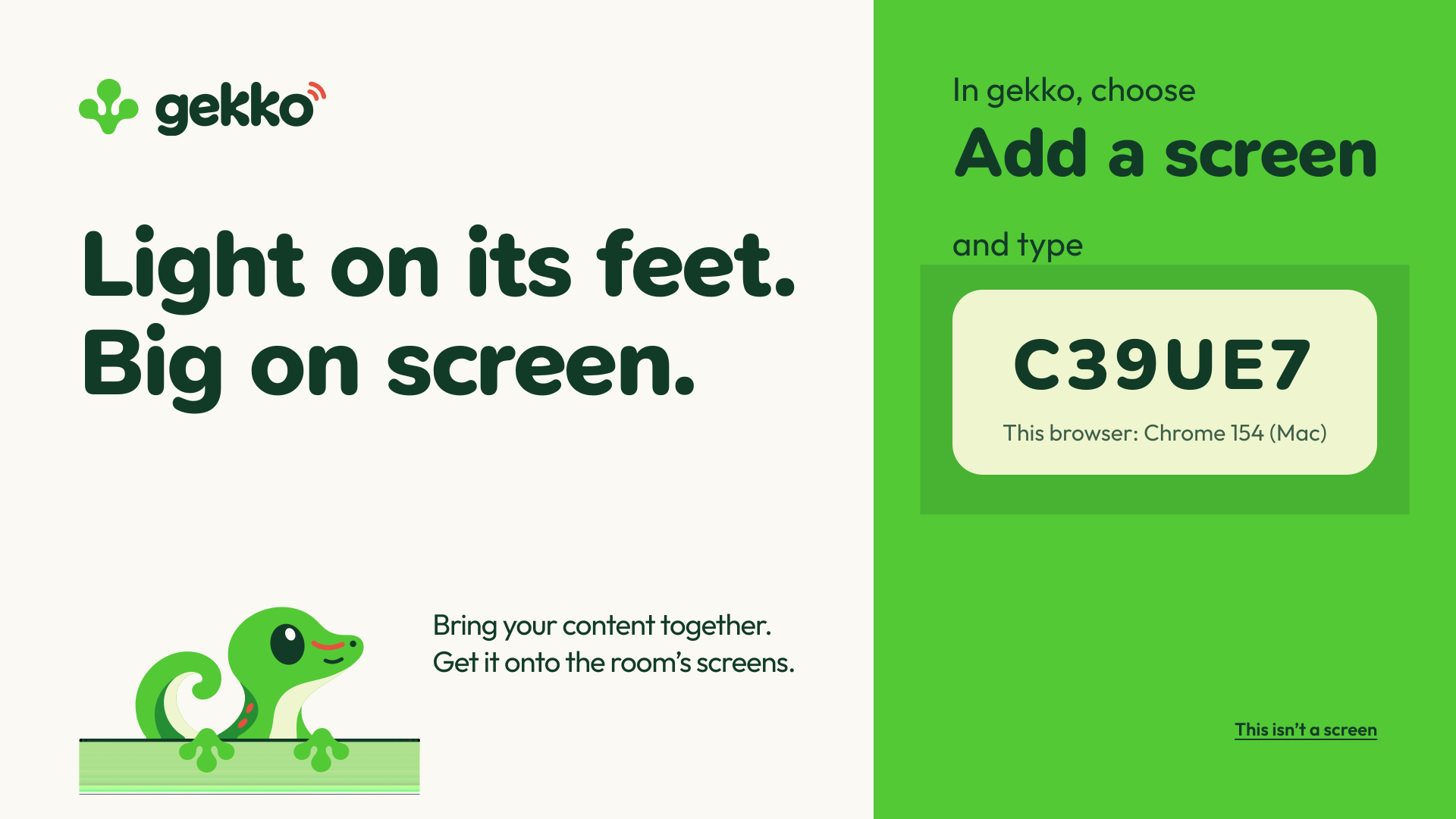
On the screen, open gekko.show and choose Set up a display. Then, in gekko, choose Add a screen and type the code it shows.
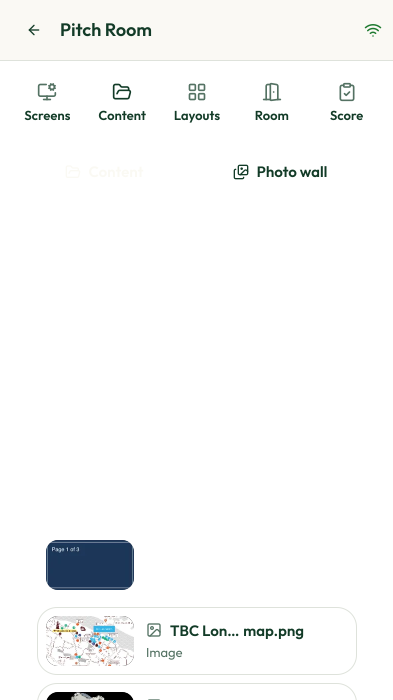
Bring your content together.
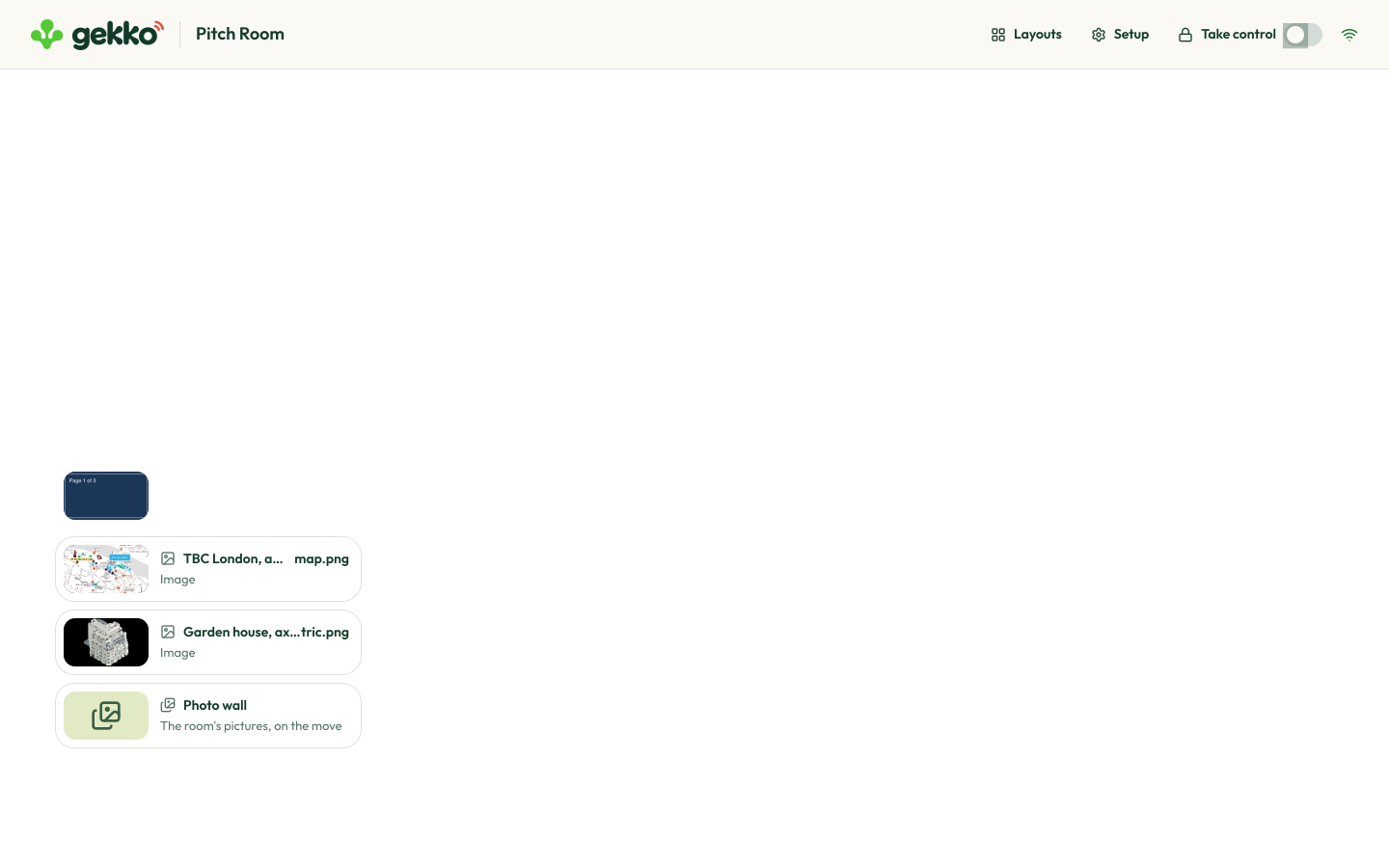
Decks, PowerPoint with its animations, pictures, films, Figma files and websites, kept together for the room.

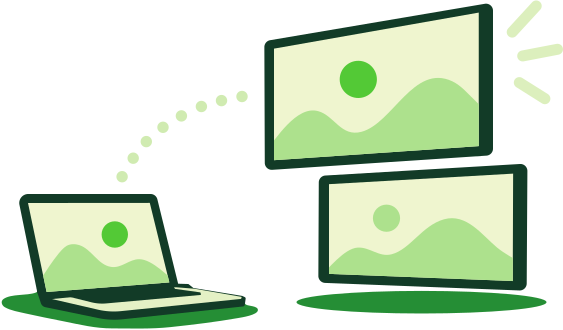
Get it onto the room’s screens.
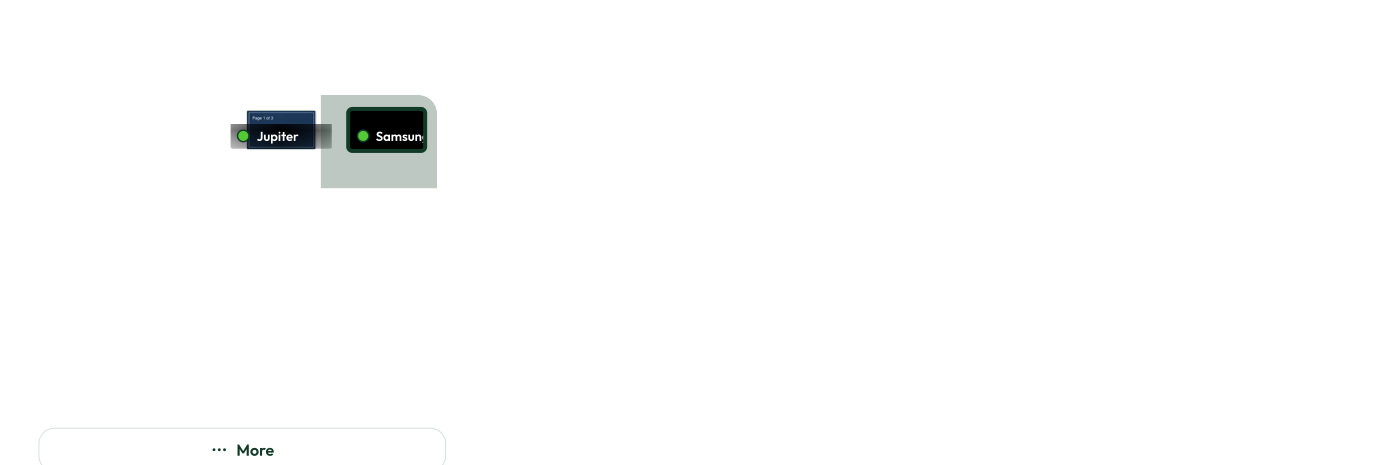
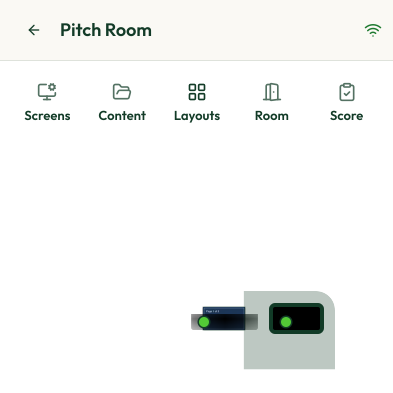
Drag something onto a screen to show it there, or click it and then a screen.
What it does
Everything the room’s screens need, and nothing to install.
Share your screen
From your laptop’s browser, onto any screen in the room. Slides and documents keep text and drawings sharp; video keeps movement smooth.
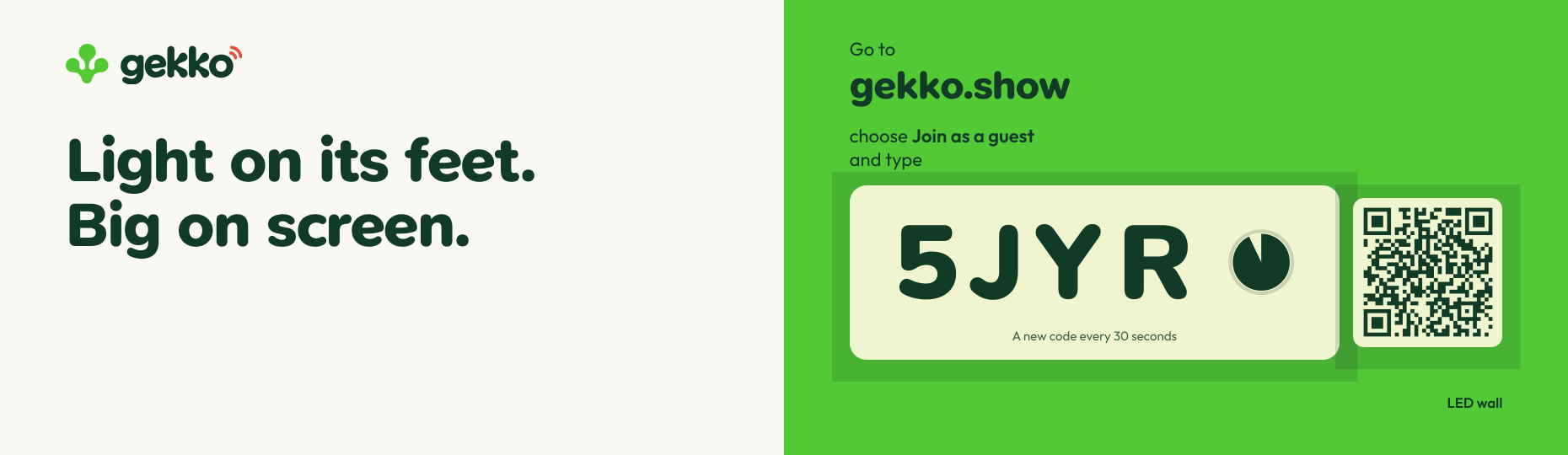
Join as a guest
Visitors share too. The screen shows a code, a new one every 30 seconds: they go to gekko.show, choose Join as a guest and type it. No app, no account.

Back and Next, from where you sit
Step through a deck from your laptop or your phone. On websites and Figma files, your pointer and your typing go onto the screen itself.

Layouts
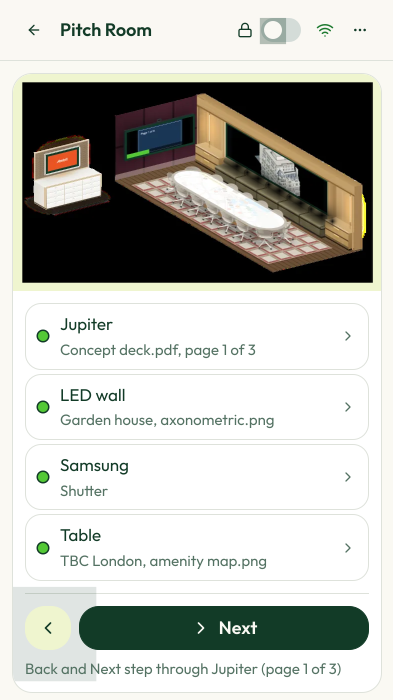
Save what every screen shows. Before the meeting, put it all back with one press.
The photo wall
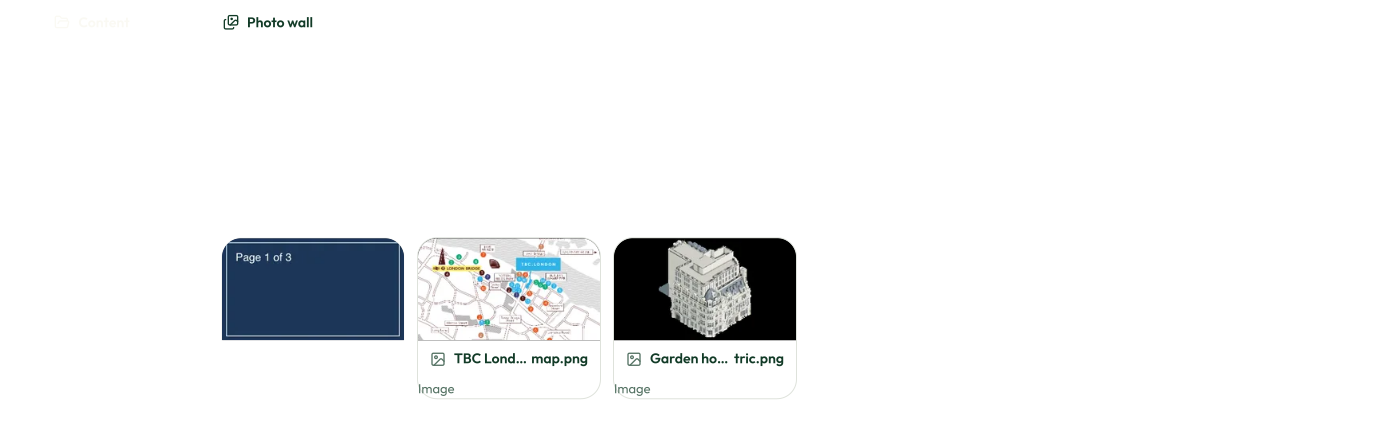
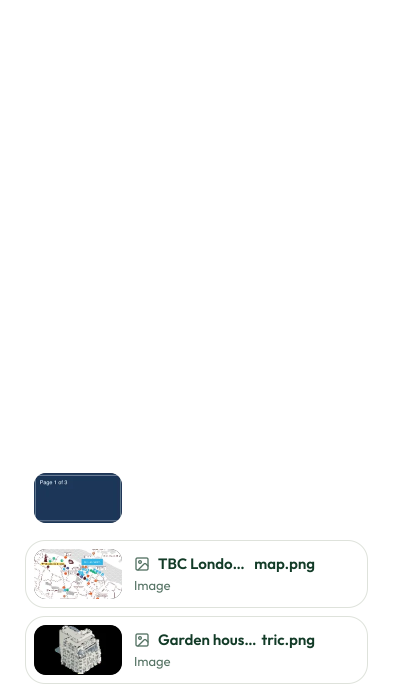
Add pictures and films of your work. They flow slowly across the screens when nobody is using the room, and now and then a tile shows people how to share.

The whole room in your pocket
Sign in with your company account on your phone, tap a screen, then what it should show.
Carries on offline
A room computer runs the room on its own network, so the screens keep going if the internet drops.
Any screen you have
LED walls, TVs, projectors onto a table, signage players: if it has a browser, it can be one of the room’s screens.

Light on its feet.Big on screen.
Ask your host to display a guest code.